Garage Openers - PFC CONTROLS | Miami, Gate Operators, Sliding Gate, Swing Gate, Intercoms, Turnstiles, Bollards, Barrier gate

MENU
Go to content

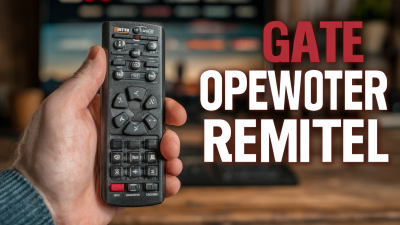
What Is the Best Gate Opener Remote in 2026?

Choosing the best Gate Opener Remote in 2026 is less about finding the longest advertised range. It is about matching the remote to your opener, daily routine, and property. A compact visor remote may suit a short driveway. A farm entrance, shared gate, or detached garage needs more careful testing. Compatibility comes first.

Grand View Research’s Smart Home Market Size, Share & Trends Analysis Report tracks the wider growth of connected-home technology. That trend helps explain why buyers now compare traditional remotes with app-connected controls. However, broad market growth does not prove that a smart remote will work reliably at your gate. Metal enclosures, weak signals, depleted batteries, and incompatible receiver frequencies can still cause frustrating failures. Small details matter.

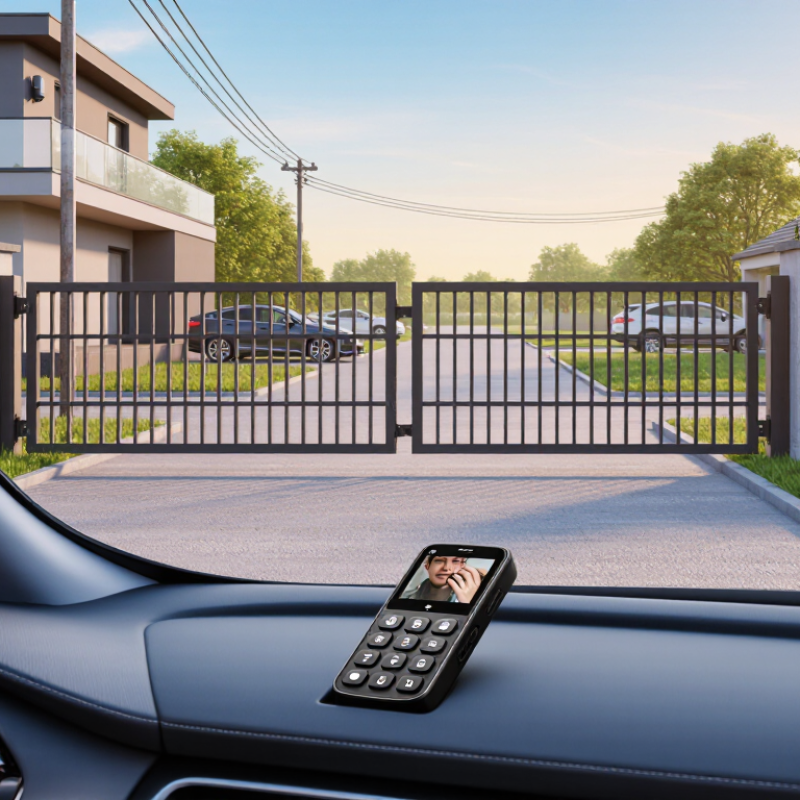
This guide compares remote types, supported frequencies, range claims, security features, battery life, and setup requirements. It also separates manufacturer specifications from practical considerations, such as whether the signal reaches the gate from your car. A larger feature list is not automatically better. Not even close. We will consider who benefits from each option and what to verify before buying, including your opener’s model and receiver compatibility. One limitation deserves attention: real-world range varies by installation and surroundings, so no single test can predict every driveway. The aim is a well-supported shortlist, not a universal winner.
What Is the Best Gate Opener Remote in 2026?

How Gate Opener Remotes Communicate with Access Systems

What Is the Best Gate Opener Remote in 2026?

The best gate opener remote is one that communicates reliably with your specific access system. A remote sends a radio signal to a receiver connected to the gate controller. The receiver checks whether the signal matches an enrolled remote, then tells the controller to open or close the gate. Compatibility matters more than appearance. A remote with the wrong frequency or coding method may not pair, even if it looks suitable.

Some systems use a fixed code, while others generate changing codes for added protection. The receiver and remote must support the same method. Range also depends on practical details: a metal gate, nearby walls, a weak battery, or electrical interference can reduce signal strength. If operation becomes inconsistent, test from a closer spot and inspect the battery before replacing the remote. Small details matter. I’ve found that advertised range can be optimistic; real properties are less tidy than test conditions.

Tips: Check the receiver label or manual for its frequency and pairing method. Stand where the gate is visible during testing. Keep a spare battery nearby, and ask a qualified installer to check persistent signal problems.

What Is the Best Gate Opener Remote in 2026?

Gate opener remotes typically communicate with an access receiver using short-range radio signals. The chart shows examples of nominal frequencies used by some gate and garage access systems—not a ranking of remote quality.

How to choose: Match the remote’s frequency and signaling method to the receiver. Frequencies and compatibility vary by region and system; check the receiver label or manual before choosing a remote.

Which Compatibility Details to Check Before Choosing a Remote

What Is the Best Gate Opener Remote in 2026?

Before choosing a gate opener remote, check the exact opener model and receiver type. Similar-looking remotes may use different radio frequencies or coding systems. A fixed-code remote with tiny internal switches will not necessarily pair with a rolling-code receiver. Check the opener’s manual or receiver label, not just the remote’s shape. Small detail, big difference.

Also confirm how many buttons you need and whether the receiver supports another remote. Some systems require a specific pairing sequence, while others need a compatible receiver module. Check the stated operating range, too. A metal gate, nearby buildings, or a weak battery can reduce performance, so advertised distance may not match your driveway.

Compatibility charts can help, but they are sometimes vague; verify the exact model number when possible. I would not assume that a remote works just because its frequency matches. Coding method matters as well. If pairing instructions differ from your opener’s manual, pause and ask a qualified installer before buying.

How Remote Types Differ in Range, Security, and Convenience

The best gate opener remote depends on the distance, obstructions, and security features at your entrance. A basic fixed-code remote is simple to use, but its unchanging signal can be easier to copy. Rolling-code models change the transmitted code after each use, offering stronger protection when properly paired and maintained. Still, “rolling code” alone does not prove a system uses strong encryption. Check the receiver’s documentation.

Range claims can mislead. A metal gate, nearby wiring, or a parked vehicle may weaken the signal; test from the actual approach, not an open driveway. The FCC’s Part 15 rules govern many low-power transmitters, but compliance does not guarantee a particular operating distance.

For security context, NIST Special Publication 800-57 Part 1 Revision 5 treats 112-bit cryptographic strength as acceptable through 2030 and 128-bit strength as suitable beyond 2030. That is a benchmark, not proof that a consumer remote meets it.

A keypad can help when several people need access, while an app may be convenient but depends on a working phone and connection. Small trade-offs matter. Check compatibility, signal performance, and code protection before choosing.

How to Compare Remotes for Different Gates and Everyday Needs

A good comparison starts with the gate, not the remote. Sliding gates may approach from an angle, while swing gates often have a clearer line of sight. Measure the distance from your usual stopping point, then test whether walls, parked cars, or metal fencing block the signal. Range claims can be misleading in real driveways. Check the opener’s receiver compatibility and programming instructions before buying; similar-looking remotes are not always interchangeable.

Think about who uses the gate each day. A single-button remote can be easier to operate while wearing gloves, while several buttons may help manage separate entrances. For a shared household, consider how many remotes you need and whether each person can keep one securely. Small details matter. A raised button is easier to find by touch, and a protective case can help prevent accidental presses in a pocket or bag.

Battery access and weather resistance matter if the remote stays in a vehicle or near an outdoor entrance. Look for clear battery specifications and a design that feels sturdy without being awkward to carry. Ask whether the remote supports the opener’s security features, and follow the manufacturer’s pairing steps. I would not choose by advertised range alone; actual performance can vary with the gate layout, receiver placement, and nearby obstructions.

What Features Define the Best Gate Opener Remote in 2026

What Features Define the Best Gate Opener Remote in 2026

A good gate opener remote should match the operator’s frequency and programming method. Check compatibility before buying; similar-looking remotes may not pair. For everyday use, prioritize clear buttons, a sturdy case, and dependable range from the driveway. Rolling-code encryption can make copied signals harder to reuse. A low-battery warning is useful, though many basic remotes lack one. Small detail, big nuisance.

Security and reliability matter more than extra buttons. Verizon’s 2024 Data Breach Investigations Report found a human element in 68% of breaches. That figure covers breaches generally, not gate remotes specifically, but it underscores the value of careful access management. Choose a remote that can be removed from the operator’s memory if lost, and keep a spare securely stored. Also check its stated operating temperature and battery type. A remote that works in a showroom may struggle in a cold, wet driveway; specifications do not tell the whole story.

Tips: Test the remote from the usual approach point, not beside the motor. Replace weak batteries early, and keep the gate’s safety sensors working independently of remote controls. I’d favor simple, reliable operation over features I may rarely use.

What Is the Best Gate Opener Remote in 2026? - What Features Define the Best Gate Opener Remote in 2026

A practical buyer’s checklist. The benchmarks below are recommendations, not universal industry requirements; receiver compatibility should be confirmed before purchase.

Feature Recommended benchmark Why it matters What to check before buying
Receiver compatibility Exact match for the gate receiver’s frequency and coding protocol A remote will not operate the gate if its radio system is incompatible, even if it looks similar to an existing remote. Check the receiver or opener manual for its supported frequency, protocol, and remote-registration method.
Access-code security Rolling-code or encrypted two-way technology supported by the receiver A changing or encrypted access code offers better protection against simple replay of a previously captured transmission than a fixed code. Confirm that the receiver supports the same security system; a remote alone cannot upgrade an incompatible receiver.
Operating range Reliable operation from the usual stopping point, with a margin for changing conditions Walls, metal gates, antenna placement, interference, battery condition, and weather can reduce real-world range. Compare range claims cautiously and test from the location where the driver will actually use the remote.
Button count and channel control One clearly labeled button per gate or compatible access device Separate controls can reduce accidental operation when a remote is paired with multiple gates or doors. Verify how many channels the receiver can learn and whether each button can be assigned independently.
Feedback and usability Distinct buttons with tactile feedback; a visible indicator is helpful Clear controls make operation easier in a vehicle or low-light conditions and help users notice a weak battery. Look for easy-to-distinguish buttons and check whether any indicator confirms transmission or battery status.
Battery and replacement Common, user-replaceable battery with clear polarity markings Easy replacement reduces downtime. Battery type and life vary by remote design and frequency of use. Check the specified battery type, whether tools are required, and whether the manual explains battery replacement.
Build and weather resistance Sturdy housing; an IP54 rating is a useful target for dust and splash resistance when stated A remote carried outdoors may encounter dust, rain, or drops. A rating applies only when explicitly specified and does not mean waterproof. Check the manufacturer’s stated ingress-protection rating and avoid assuming that a sealed-looking case is weatherproof.
Setup and replacement process Documented pairing procedure, with receiver access requirements clearly stated Some systems require access to a learn button or administrator controls, so setup may not be possible from the remote alone. Confirm who can authorize a new remote and whether adding one affects previously enrolled remotes.
Smart-access options Optional app or keypad access only when supported by the existing opener system Additional access methods can be convenient, but they depend on compatible hardware, connectivity, and account security. Check required accessories, network needs, user-management features, and what happens during an internet or power outage.

Bottom line: The best remote is the one that is compatible with the receiver, uses its supported secure coding system, and works reliably from the intended operating location. Always verify the opener manual or receiver label before ordering.

PFC CONTROLS
1638 NW 108TH AVE. MIAMI, FL 33172
Sales: (305) 593-0227
Tech: (305) 546-3965

Copyright, All rights reserved
Back to content